

Mastering UI/UX Design: Tips for Stunning User Experiences
Unlock the secrets of stunning user experiences with our expert tips on mastering UI/UX design. Transform your designs and captivate your audience!
Understanding UI vs. UX: Key Differences
UI and UX are often used interchangeably, but they represent distinct aspects of the design process. UI, or User Interface, focuses on the visual components of a product. This includes buttons, icons, spacing, typography, and color schemes. UI design is all about creating an aesthetically pleasing interface that is easy to navigate. It’s the bridge that connects users to the product, providing them with a tool to interact with the software.
On the other hand, UX, or User Experience, delves into the overall feel of the user’s interaction with the product. It encompasses the entire journey from the moment users land on the interface until they complete their desired actions. UX design is about understanding the user’s needs and ensuring the product is intuitive, efficient, and enjoyable to use. It involves user research, information architecture, wireframing, and usability testing to create a seamless experience.
Understanding the key differences between UI and UX is crucial for any designer. While UI design is about the product’s look and feel, UX design is about the user’s journey and experience. Both are essential in creating a product that not only looks great but also works seamlessly. Mastering both aspects will enable you to design interfaces that are not only visually appealing but also intuitive and user-friendly.
The Importance of User-Centered Design
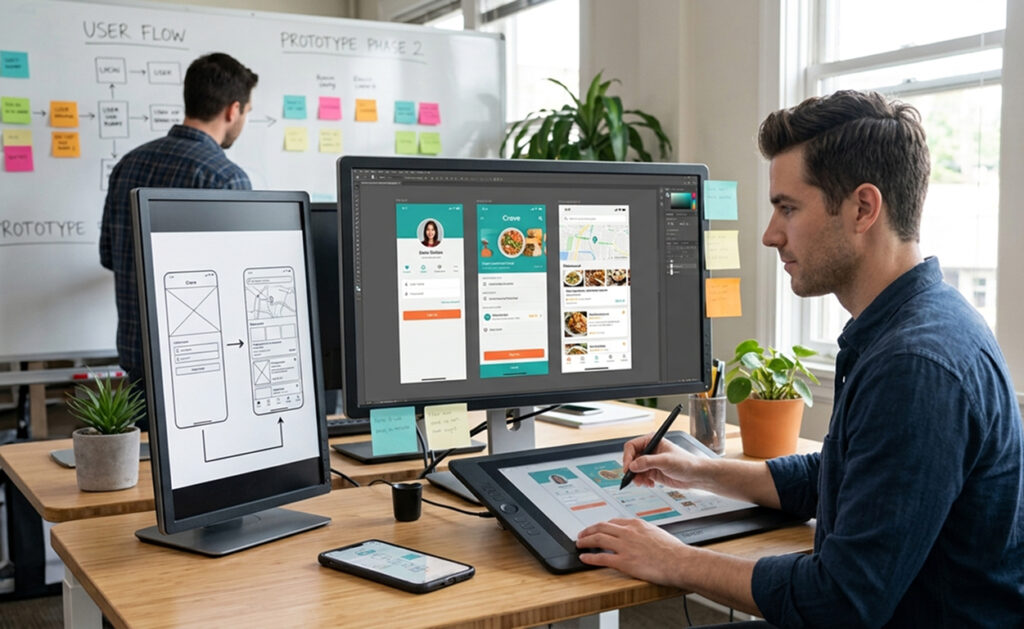
User-centered design (UCD) places the user at the heart of the design process. This approach ensures that the end product meets the needs and expectations of its users. By focusing on the user, designers can create more effective and enjoyable experiences. UCD involves understanding the user’s context, tasks, and goals, and using this information to inform design decisions.
One of the primary advantages of user-centered design is that it leads to more successful products. When users find a product easy and enjoyable to use, they are more likely to continue using it and recommend it to others. This can lead to higher user satisfaction, increased engagement, and ultimately, better business outcomes. UCD can also help identify potential issues early in the design process, saving time and resources in the long run.
Implementing user-centered design requires a thorough understanding of the target audience. This involves conducting user research to gather insights into their needs, preferences, and behaviors. By involving users throughout the design process, designers can ensure that the final product aligns with their expectations. Techniques such as personas, user journeys, and usability testing are essential tools in the UCD toolkit, helping designers create products that truly resonate with users.
Essential Principles of UI/UX Design
Several key principles underpin effective UI/UX design. One of the most important is simplicity. A simple design reduces cognitive load, making it easier for users to understand and interact with the interface. This can be achieved by minimizing unnecessary elements, using clear and concise language, and ensuring a logical layout. Simplicity also involves providing clear navigation and avoiding overwhelming users with too many options.
Another critical principle is consistency. Consistency ensures that similar elements behave in the same way, making the interface more predictable and easier to learn. This includes maintaining a consistent visual style, using familiar icons and patterns, and ensuring uniform behavior across different parts of the interface. Consistency helps build user confidence, as they know what to expect and can navigate the interface more efficiently.
Feedback is also a vital component of effective UI/UX design. Providing users with timely and appropriate feedback helps them understand the consequences of their actions and reduces uncertainty. This can include visual cues, such as changes in button states, confirmation messages, and error notifications. Feedback also involves ensuring that users receive clear and actionable information when something goes wrong, helping them correct their actions and continue their journey.
Conducting Effective User Research
User research is the foundation of user-centered design. It involves gathering insights into the target audience’s needs, preferences, and behaviors. This information is used to inform design decisions and ensure that the final product aligns with user expectations. Effective user research involves a combination of qualitative and quantitative methods, providing a comprehensive understanding of the user.
Qualitative methods, such as interviews and focus groups, provide in-depth insights into users’ thoughts, feelings, and motivations. These methods allow designers to explore users’ experiences and uncover underlying needs and pain points. Quantitative methods, such as surveys and analytics, provide numerical data that can be used to identify patterns and trends. By combining qualitative and quantitative data, designers can gain a holistic view of the user and make informed design decisions.
Conducting user research is an ongoing process that continues throughout the design lifecycle. It begins with exploratory research to understand the user’s context and needs. This is followed by iterative testing and validation to refine and improve the design. User research also involves evaluating the final product to ensure it meets user expectations. By continuously gathering and analyzing user data, designers can create products that truly resonate with their audience.
Creating Wireframes and Prototypes
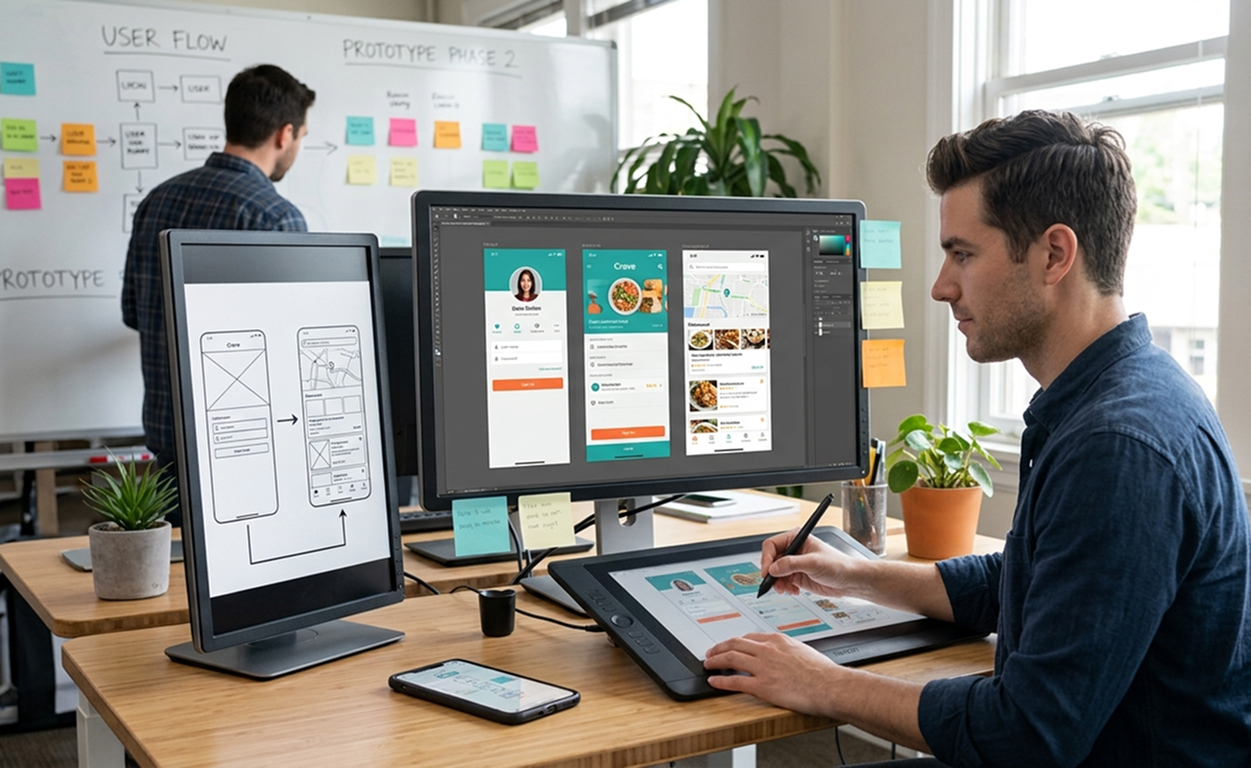
Wireframes and prototypes are essential tools in the UI/UX design process. Wireframes are low-fidelity representations of the interface, focusing on layout and structure rather than visual design. They provide a blueprint for the design, allowing designers to plan the placement of elements and the flow of interactions. Wireframes help ensure that the design is logical and coherent before investing time and resources into detailed design.
Prototypes are more advanced representations of the interface, often interactive and closer to the final product. They allow designers to test and validate the design with users, providing valuable feedback before development begins. Prototypes can range from low-fidelity paper sketches to high-fidelity digital mockups, depending on the stage of the design process. By creating prototypes, designers can identify and address potential issues early, reducing the risk of costly changes later.
Creating wireframes and prototypes involves several key steps. First, designers need to define the user flow and key interactions. This involves mapping out the user journey and identifying the main tasks and actions. Next, designers create wireframes to visualize the layout and structure. Finally, prototypes are developed to test and validate the design. This iterative process ensures that the final product is well-designed and meets user expectations.
The Role of Usability Testing in Design
Usability testing is a crucial component of the UI/UX design process. It involves evaluating the interface with real users to identify usability issues and gather feedback. Usability testing helps ensure that the design is intuitive, efficient, and enjoyable to use. By observing users as they interact with the product, designers can identify pain points and areas for improvement.
There are several methods for conducting usability testing, each with its own advantages and limitations. Laboratory testing involves observing users in a controlled environment, providing detailed insights into their interactions. Remote testing allows users to test the interface in their own environment, providing a more natural context. Guerrilla testing involves quick and informal testing with users in public places, providing rapid feedback. By using a combination of methods, designers can gather comprehensive insights into the usability of their design.
Effective usability testing involves several key steps. First, designers need to define the objectives and scope of the test. This involves identifying the key tasks and interactions to be tested. Next, participants are recruited, ideally representing the target audience. The test is then conducted, with users asked to complete specific tasks while thinking aloud. Observations and feedback are recorded and analyzed to identify usability issues. Finally, the findings are used to inform design improvements. This iterative process ensures that the final product is user-friendly and meets user expectations.
Tools and Software for UI/UX Designers
There are numerous tools and software available to assist UI/UX designers in their work. These tools can help streamline the design process, improve collaboration, and enhance the quality of the final product. Some of the most popular tools include Sketch, Figma, Adobe XD, and InVision.
Sketch is a powerful design tool known for its vector graphics capabilities and user-friendly interface. It offers a wide range of features for creating high-fidelity designs, including symbols, styles, and plugins. Sketch is particularly popular for web and mobile design, providing a flexible and efficient workflow.
Figma is a cloud-based design tool that supports real-time collaboration. It allows multiple designers to work on the same project simultaneously, making it ideal for team-based design. Figma offers a range of features for creating wireframes, prototypes, and high-fidelity designs, with a focus on collaboration and version control.
Adobe XD is a comprehensive design tool that integrates seamlessly with other Adobe Creative Cloud applications. It offers a range of features for creating wireframes, prototypes, and high-fidelity designs, with a focus on interactive design. Adobe XD also supports real-time collaboration and sharing, making it a versatile tool for UI/UX design.
InVision is a prototyping and collaboration tool that allows designers to create interactive prototypes and gather feedback. It offers a range of features for creating and sharing prototypes, including animations, transitions, and comments. InVision is particularly useful for user testing and collaboration, providing a central hub for design feedback and iteration.
Trends in UI/UX Design for 2023
The field of UI/UX design is constantly evolving, with new trends and technologies emerging each year. Staying up-to-date with these trends is essential for designers to create modern and engaging experiences. Some of the key trends in UI/UX design for 2023 include dark mode, voice user interfaces, and augmented reality.
Dark mode has become increasingly popular in recent years, offering a sleek and modern alternative to traditional light interfaces. Dark mode reduces eye strain and can improve battery life on mobile devices. It also provides a unique aesthetic, with bold contrasts and vibrant colors. Implementing dark mode requires careful consideration of color schemes and accessibility, ensuring that the interface remains readable and user-friendly.
Voice user interfaces (VUIs) are another emerging trend, driven by the rise of smart speakers and voice assistants. VUIs allow users to interact with devices using natural language, providing a hands-free and intuitive experience. Designing for VUIs involves understanding the nuances of voice interactions and creating conversational interfaces that are clear and responsive. This requires a focus on natural language processing, context awareness, and error handling.
Augmented reality (AR) is also gaining traction in UI/UX design, offering immersive and interactive experiences. AR overlays digital content onto the real world, providing new ways for users to interact with information and objects. Designing for AR involves creating intuitive and responsive interfaces that enhance the user’s perception of reality. This requires a deep understanding of spatial interactions, user context, and visual design.
Common UI/UX Design Mistakes to Avoid
Even the most experienced designers can make mistakes, but being aware of common pitfalls can help you avoid them. One common mistake is neglecting user research. Without a deep understanding of the target audience, it’s easy to make design decisions that don’t align with user needs. Conducting thorough user research and involving users throughout the design process is essential to creating a successful product.
Another frequent mistake is overloading the interface with too much information. An overcrowded interface can overwhelm users and make it difficult to find the information they need. Prioritizing content and using clear, concise language can help reduce cognitive load and improve usability. It’s also important to maintain a logical and consistent layout, guiding users through the interface in a clear and intuitive way.
Ignoring accessibility is another common mistake. Designing for accessibility ensures that all users, including those with disabilities, can use the product effectively. This involves considering factors such as color contrast, font size, and keyboard navigation. By following accessibility guidelines and testing with users with disabilities, designers can create inclusive and user-friendly interfaces.
Conclusion: Elevating User Experience through Design
Mastering UI/UX design is an ongoing journey that requires a deep understanding of users, a commitment to user-centered design, and a willingness to iterate and improve. By focusing on the key principles of simplicity, consistency, and feedback, designers can create interfaces that are both visually appealing and user-friendly. Conducting thorough user research, creating effective wireframes and prototypes, and conducting usability testing are essential steps in the design process.
Staying up-to-date with the latest trends and tools can also help designers create modern and engaging experiences. By avoiding common mistakes and prioritizing accessibility, designers can ensure that their products are inclusive and valuable to all users. Ultimately, mastering UI/UX design is about creating stunning user experiences that captivate and delight users, transforming their interactions with technology and elevating their overall experience.

Great content! Keep up the good work!